Streaming has become an everyday aspect of gaming, with more and more players sharing their gameplay online. But a great stream goes beyond the ability to just play well. To make it happen, you have to have a setup that performs consistently.
From improving your PC’s performance to fine-tuning your audio and internet connection, here are some simple ways to optimize your gaming setup for both playing and streaming.
Start with the foundation: your PC
The foundation of professional-looking streams begins with stable performance. If your computer is struggling to run your game before streaming software has even launched, adding video encoding into the mix is only going to make things worse.
Keeping your operating system updated, installing the latest graphics drivers, and removing unnecessary startup programs are some of the simplest ways to improve performance. Closing background applications that consume memory or processing power can also free up valuable space and resources during a broadcast.
Storage matters too. Fast SSDs significantly reduce loading times and help games, recording software, and editing applications work more effectively. Many experienced streamers dedicate one drive to their applications and operating system while using another for game installations and recorded footage, which can help keep everything responsive.
An area that’s sometimes overlooked is making sure your gaming and streaming habits can match the demands of your system. If you’re enjoying the latest releases or following live sports while gaming, having a reliable setup helps everything run more smoothly.
Whether you’re checking NFL matchups or browsing the latest odds, you can click here without worrying about your browser slowing down your stream, provided your PC is optimized for multitasking.
Balance your graphics settings
A mistake that many new streamers make is pushing every graphics setting to its maximum. While ultra settings can look impressive, they also can create inconsistent frame rates that hurt both gameplay and stream quality.
Finding the right balance is more important than chasing the highest possible visuals. Stable frame rates can create a better viewing experience than occasional graphic flourishes that get followed by notable stuttering.
Streaming software like OBS Studio also allows users to adjust bitrate, resolution, and frame rate independently from their game settings. A consistent 1080 stream at 60 frames per second often looks better than attempting higher resolutions thar your hardware can’t support.
Audio deserves just as much attention
Viewers can be forgiving of average video quality, but when bad audio can cause them to leave right away.
A dedicated USB or XLR microphone can deliver a major improvement over a built-in headset microphone. By positioning the microphone correctly and adding a pop filter, you can also make your voice sound cleaner without spending a fortune.
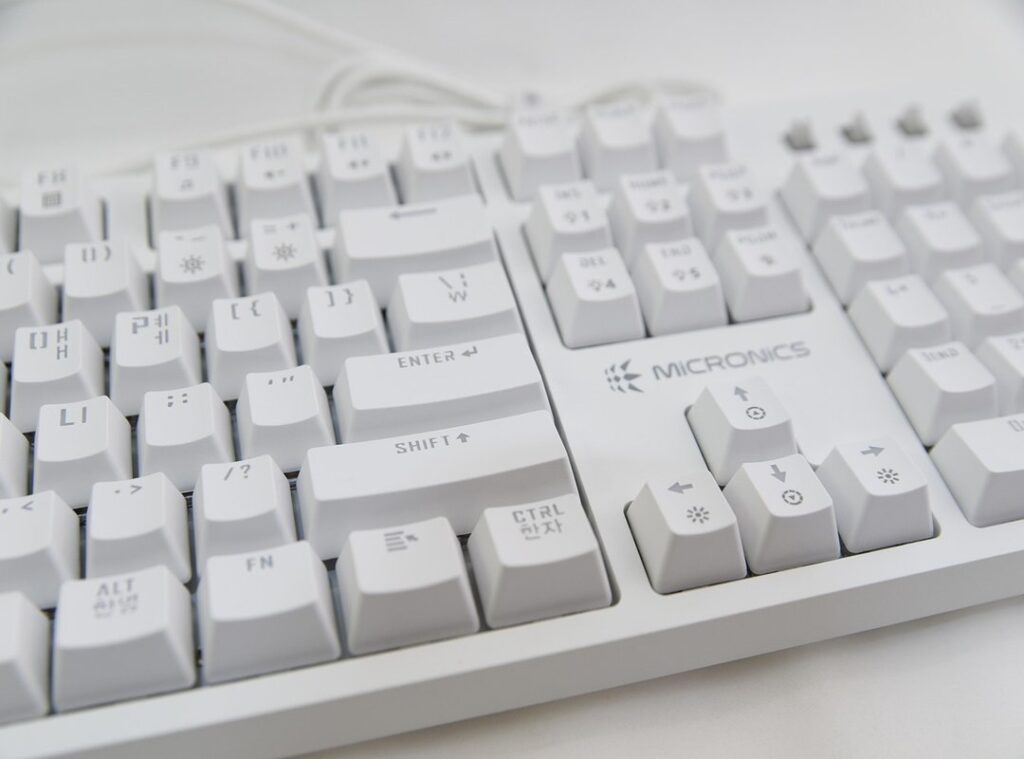
It’s also important to monitor background noise. Mechanical keyboards, cooling fans, and echoes from hard surfaces can all become distracting to viewers during longer streams. Many popular broadcasting applications now include built-in noise suppression filters that can automatically remove much of this unwanted sound.
Improve your streaming environment
Your room can make as big of an impact as your hardware.
Simple lighting changes can improve how your webcam appears. Try facing a soft light source rather than relying on overhead lighting as this can create a clearer, more natural image. You often don’t need expensive studio lighting – many creators these days can achieve great results with affordable LED panels or well-positioned desk lamps
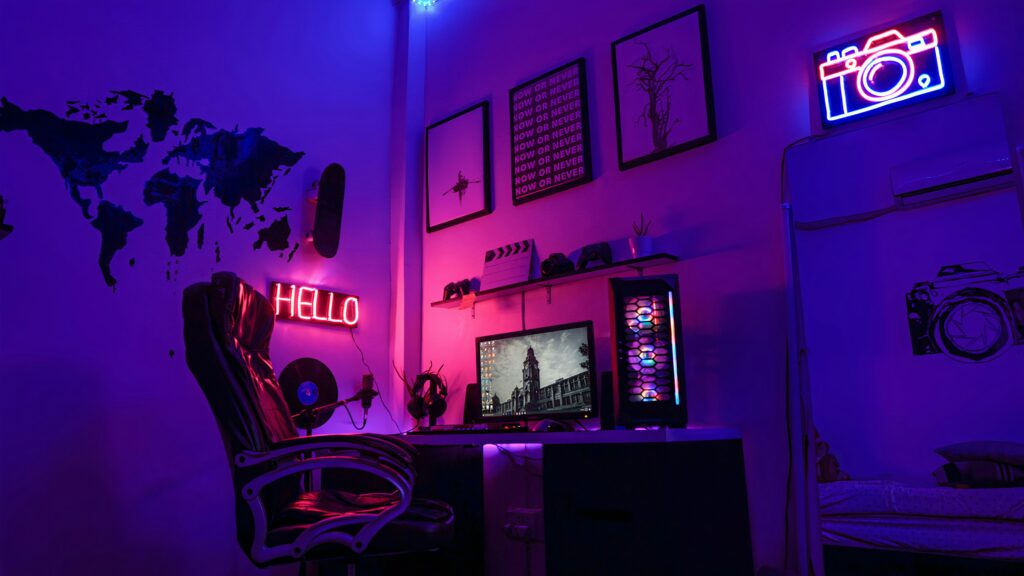
Keeping your background tidy also creates a more professional appearance. Some streamers prefer minimalist setups, while others decorate with collectibles or themed lighting that reflects their style and personality.
Put your internet connection to the test
Even the most powerful hardware can’t compensate for an unstable internet connection. Wherever possible, connect your PC using Ethernet instead of WiFi. Wired connections have a tendency to provide lower latency and fewer interruptions, especially during longer broadcasts.
Before going live, run several speed tests at different times of day to understand how consistent your upload speeds are. Streaming depends far more heavily on upload performance than download speed, and consistency is often more valuable than peak performance.
Keep learning as technology changes
Streaming equipment is evolving fast, with new microphones, graphics cards, and software updates showing up throughout the year. Fortunately, there are plenty of reliable resources that help creators stay informed.
Manufacturing support pages, official OBS Studio documentation, technology publications, and creator-focused communities regularly share practical advice for improving performance and solving some of the most common problems.
Ultimately, optimizing your game setup is about building a system that performs consistently, reflects your personality, and lets you focus on enjoying the games you play.
 BuffBrooke is the kind of writer who genuinely cannot publish something without checking it twice. Maybe three times. They came to hot topics in gaming through years of hands-on work rather than theory, which means the things they writes about — Hot Topics in Gaming, Esports Fundamentals and Strategies, Team Meta Analysis in HCD Arenas, among other areas — are things they has actually tested, questioned, and revised opinions on more than once.
That shows in the work. BuffBrooke's pieces tend to go a level deeper than most. Not in a way that becomes unreadable, but in a way that makes you realize you'd been missing something important. They has a habit of finding the detail that everybody else glosses over and making it the center of the story — which sounds simple, but takes a rare combination of curiosity and patience to pull off consistently. The writing never feels rushed. It feels like someone who sat with the subject long enough to actually understand it.
Outside of specific topics, what BuffBrooke cares about most is whether the reader walks away with something useful. Not impressed. Not entertained. Useful. That's a harder bar to clear than it sounds, and they clears it more often than not — which is why readers tend to remember BuffBrooke's articles long after they've forgotten the headline.
BuffBrooke is the kind of writer who genuinely cannot publish something without checking it twice. Maybe three times. They came to hot topics in gaming through years of hands-on work rather than theory, which means the things they writes about — Hot Topics in Gaming, Esports Fundamentals and Strategies, Team Meta Analysis in HCD Arenas, among other areas — are things they has actually tested, questioned, and revised opinions on more than once.
That shows in the work. BuffBrooke's pieces tend to go a level deeper than most. Not in a way that becomes unreadable, but in a way that makes you realize you'd been missing something important. They has a habit of finding the detail that everybody else glosses over and making it the center of the story — which sounds simple, but takes a rare combination of curiosity and patience to pull off consistently. The writing never feels rushed. It feels like someone who sat with the subject long enough to actually understand it.
Outside of specific topics, what BuffBrooke cares about most is whether the reader walks away with something useful. Not impressed. Not entertained. Useful. That's a harder bar to clear than it sounds, and they clears it more often than not — which is why readers tend to remember BuffBrooke's articles long after they've forgotten the headline.